Assetto Corsa PP filter for Pure.
Your light. Your signature.
SODIUM brings a post-processing filter and live image controls into Assetto Corsa. Built for Pure Gamma and Pure LCS, it lets you start with a day or night look, then adjust exposure, colour, bloom, sky and lighting from one in-game app.
Read the pp filter & looks guide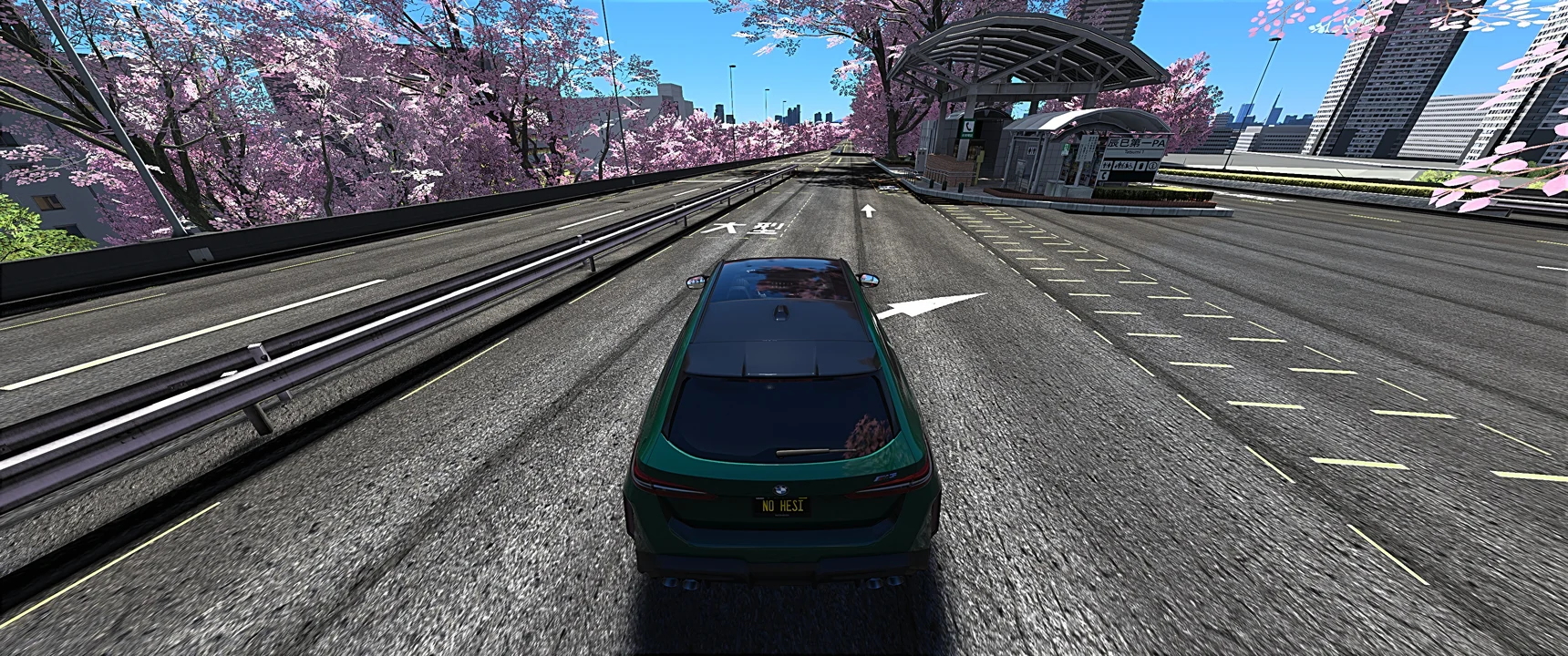
- day & night looks
- 16
- Pure rendering paths
- 2
- in-game control center
- 1
Start with a light you like.
Preset descriptions explain the intended direction. Start with one, then make it yours.
- DAYLIGHT
- Cooler sky, sculpted mid-tones and separated highlights. A daylight starting point with room to refine.
- GOLDEN
- Amber highlights and cool open shadows, designed around the character of low sun.
- COAST
- Blue tones, pearl highlights and open shade for a quieter daylight direction.
- AFTERHOURS
- Violet shadows and warm lamps, bringing a different colour balance to a night drive.
Go from a whole look to one detail.
Light & tone
Adjust exposure and tonal response. Refine how highlights, shadows and the middle of the image sit together.
Colour & atmosphere
Shape colour, bloom, sky and lighting separately. Everyday controls come first; Advanced tuning opens the finer adjustments.
Your own baseline
Save your look, compare changes and revert to your saved settings. Image edits stay separate from your chase camera, cockpit seat and weather.
Three steps to get started.
Open the full guideChoose a starting look
Open SODIUM → Home. Choose a Day or Night recipe and Apply it. Load saved returns your own saved version.
Change one part at a time
Try Exposure, Colour or Lens. Apply a module for a starting adjustment; click it again to undo while keeping later manual edits.
Keep the result
Choose Save look. Use Revert look when you want to return to that baseline after experimenting.
Know your setup.
Requires Assetto Corsa on 64-bit Windows, Content Manager, CSP and Pure 3.50, using Gamma or LCS. Enable post-processing and select SODIUM as the filter. CSP and Pure are installed separately; SODIUM does not replace them.
Installation & activationWill it look exactly like the browser studio?
The studio uses generated artwork and browser effects to explain the controls. It is not a gameplay comparison. In-game appearance depends on your track, weather, lighting and graphics settings.
Is it made for VR or guaranteed FPS gains?
This release focuses on SDR displays. VR is not supported, and frame-rate gains have not been validated. Start with your existing graphics configuration and judge changes on your own PC.
Bring it into your drive.
Create your website account, link Discord, then join the server. Downloads open when your tester access or subscription is active.
Website sign-up is free. Product access is approved separately.